
For visitors
Scan, collect, win.
No app needed.
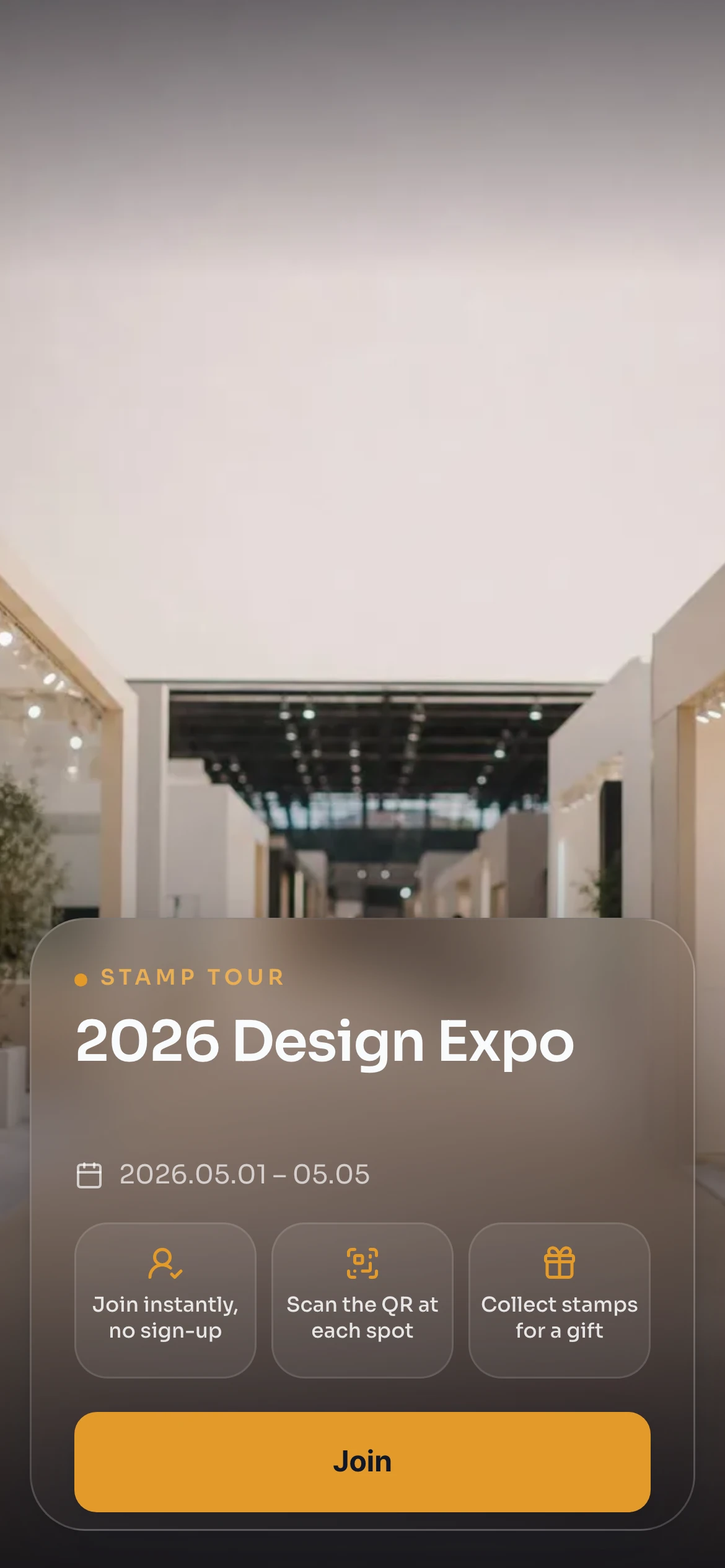
One QR opens the tour in the phone browser. Join anonymously, with a nickname, an email, or name and phone.
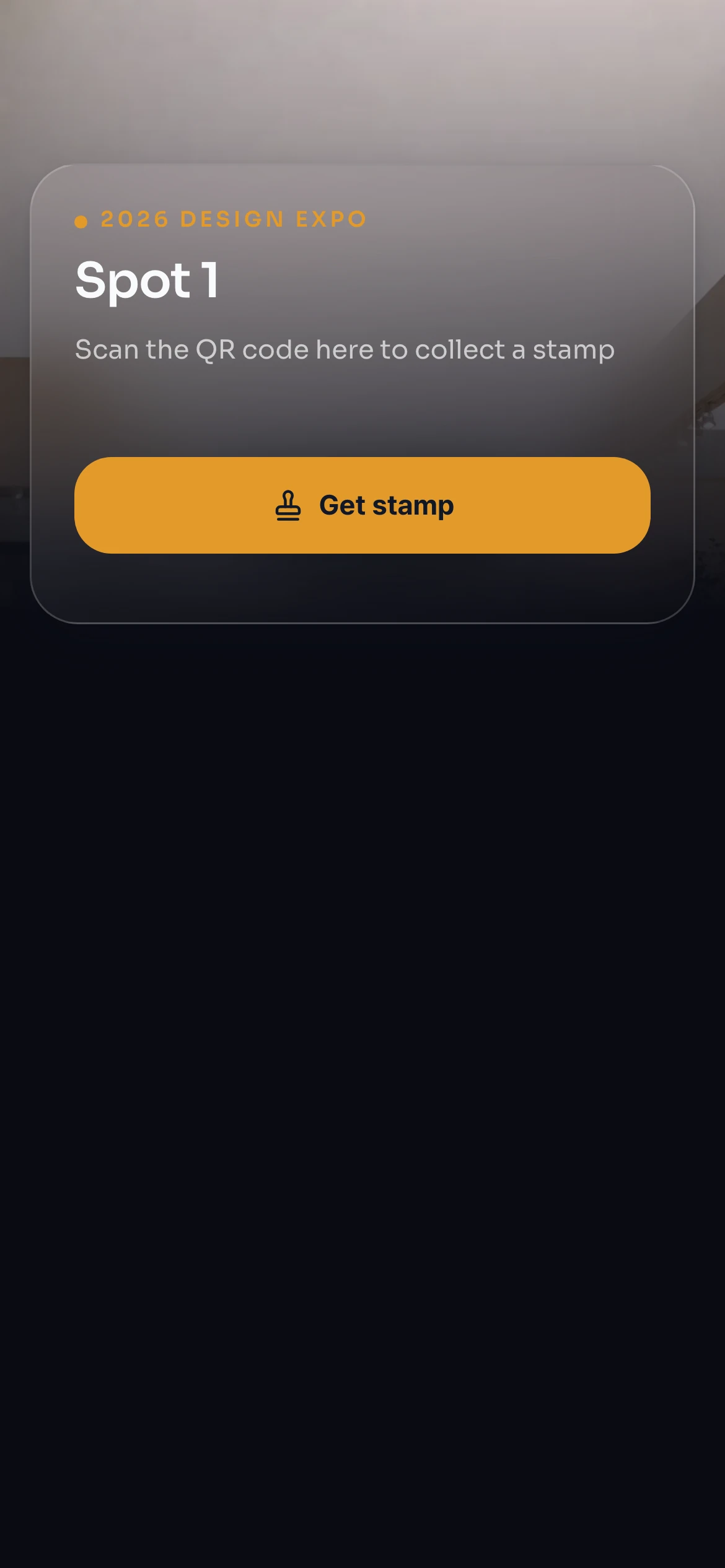
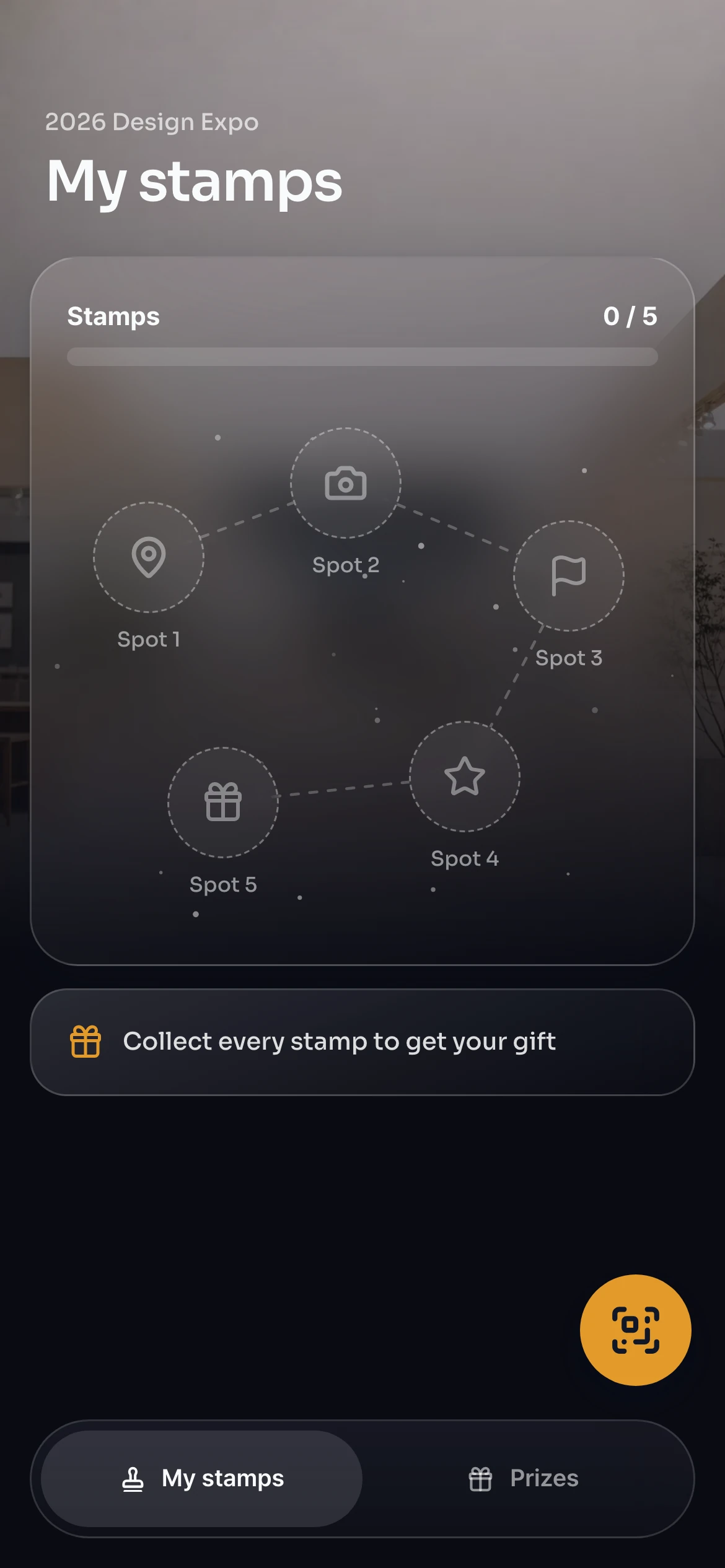
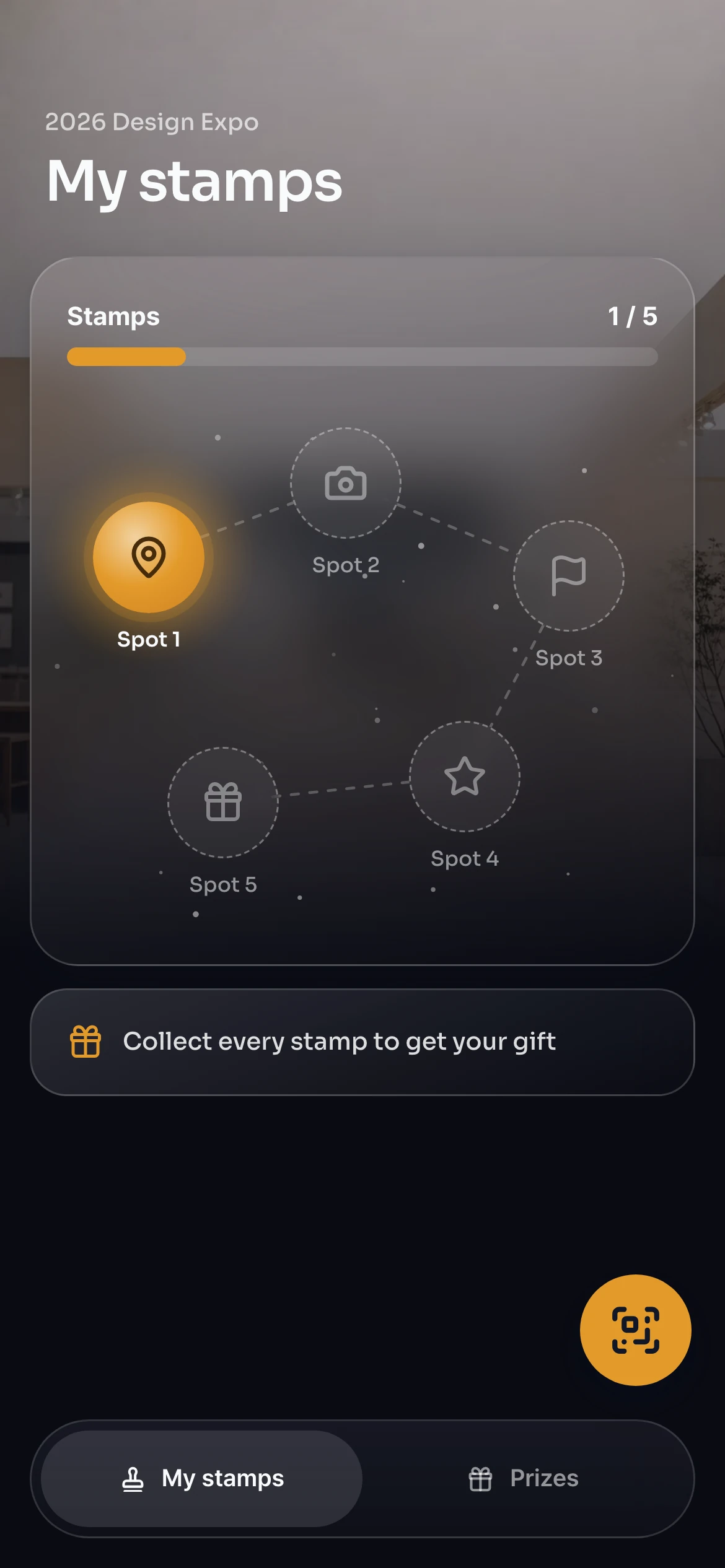
Each spot gives a stamp by QR visit, quiz or photo upload. Add a GPS check if you need one.
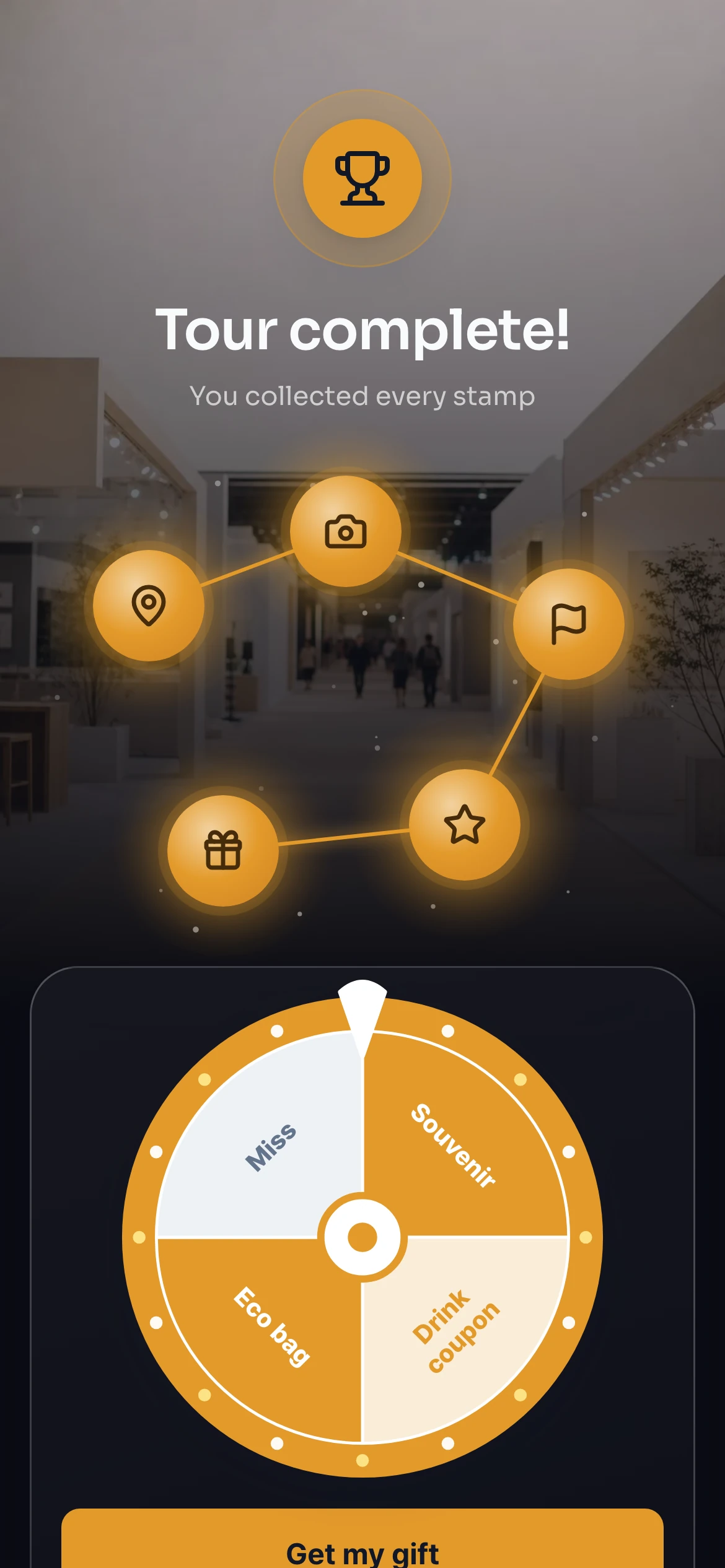
Complete all stamps, or the number you choose. Then a prize draw or roulette, with an optional survey.
For visitors
Scan, collect, win.
No app needed.
Scan to join
One QR opens the tour in the phone browser.
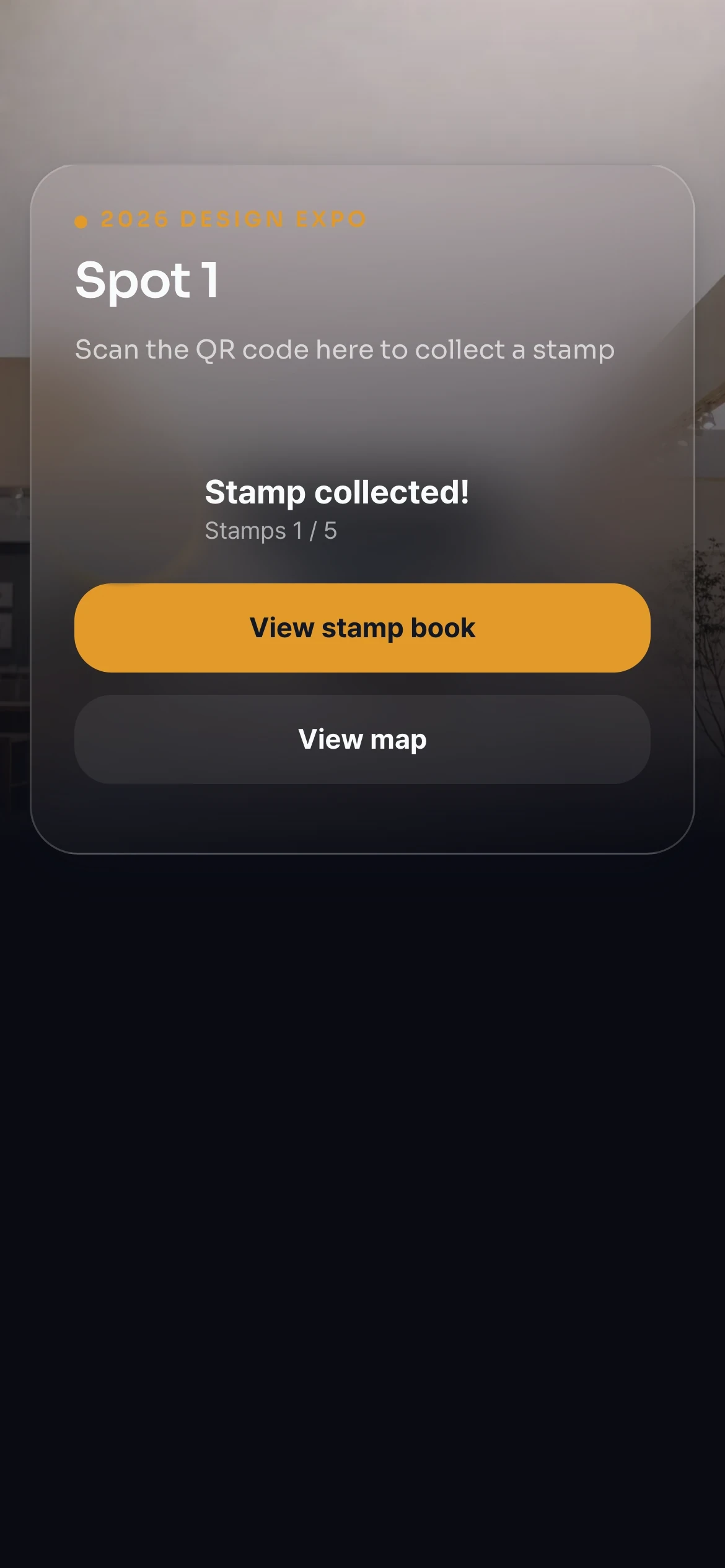
Collect stamps
Get a stamp at each spot by QR, quiz or photo.
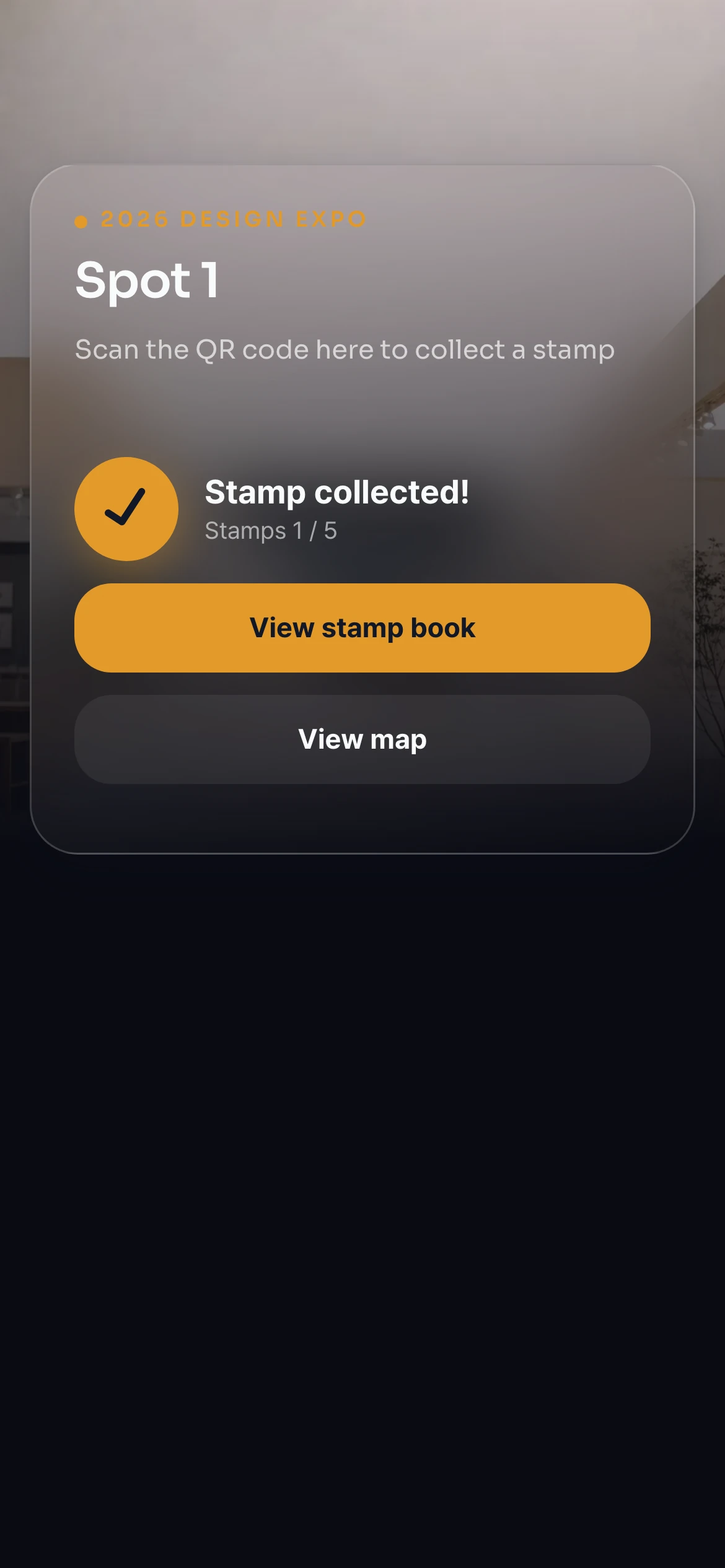
Finish and win
Collect them all, then spin for a prize.
For organizers
Run it from one dashboard.
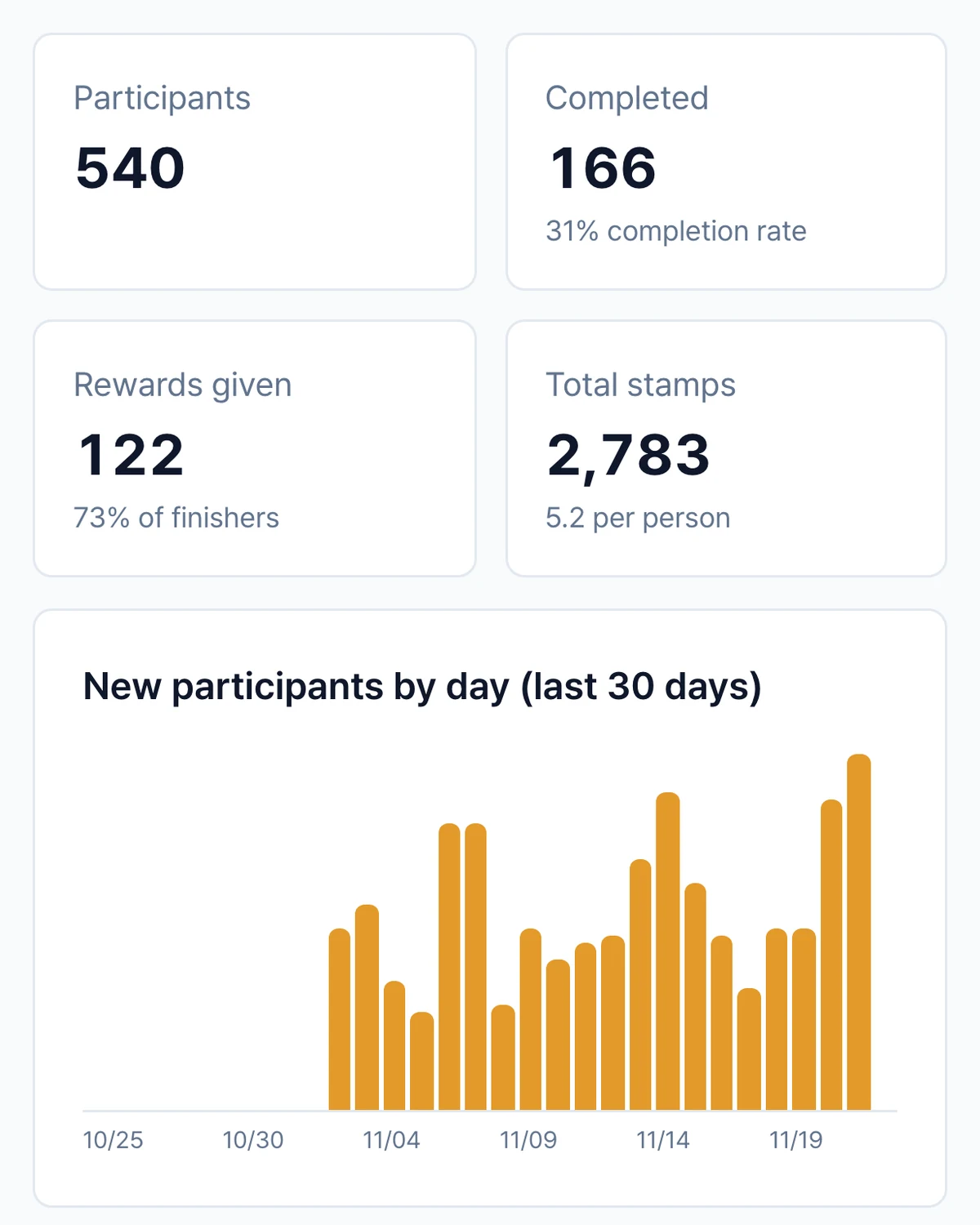
Participants, completions and stamps update as people play. Download CSV files or a results report anytime.
See stamps by spot and how far people got, then search the full participant list.
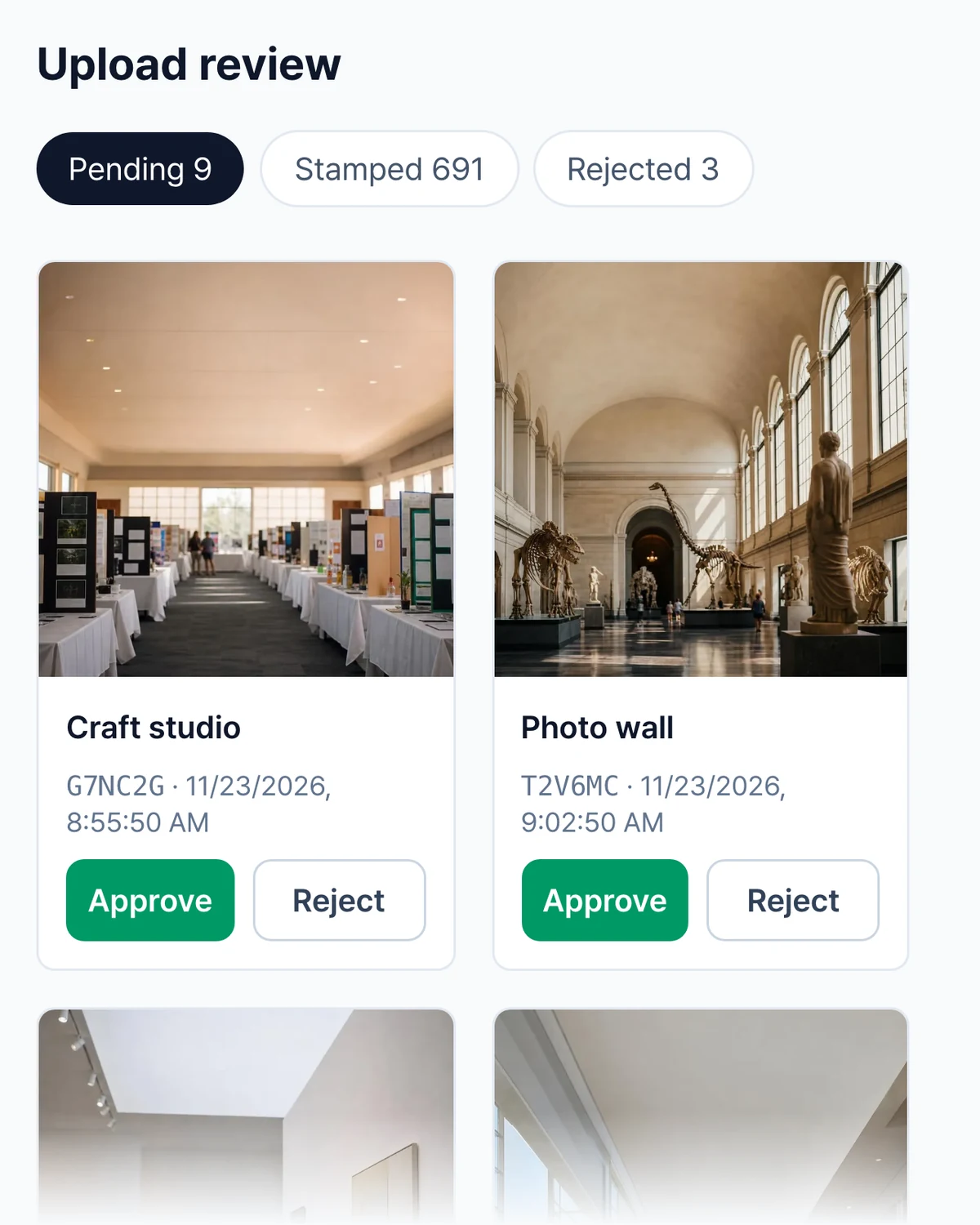
Approve or reject uploaded photos. The stamp is given when you approve.
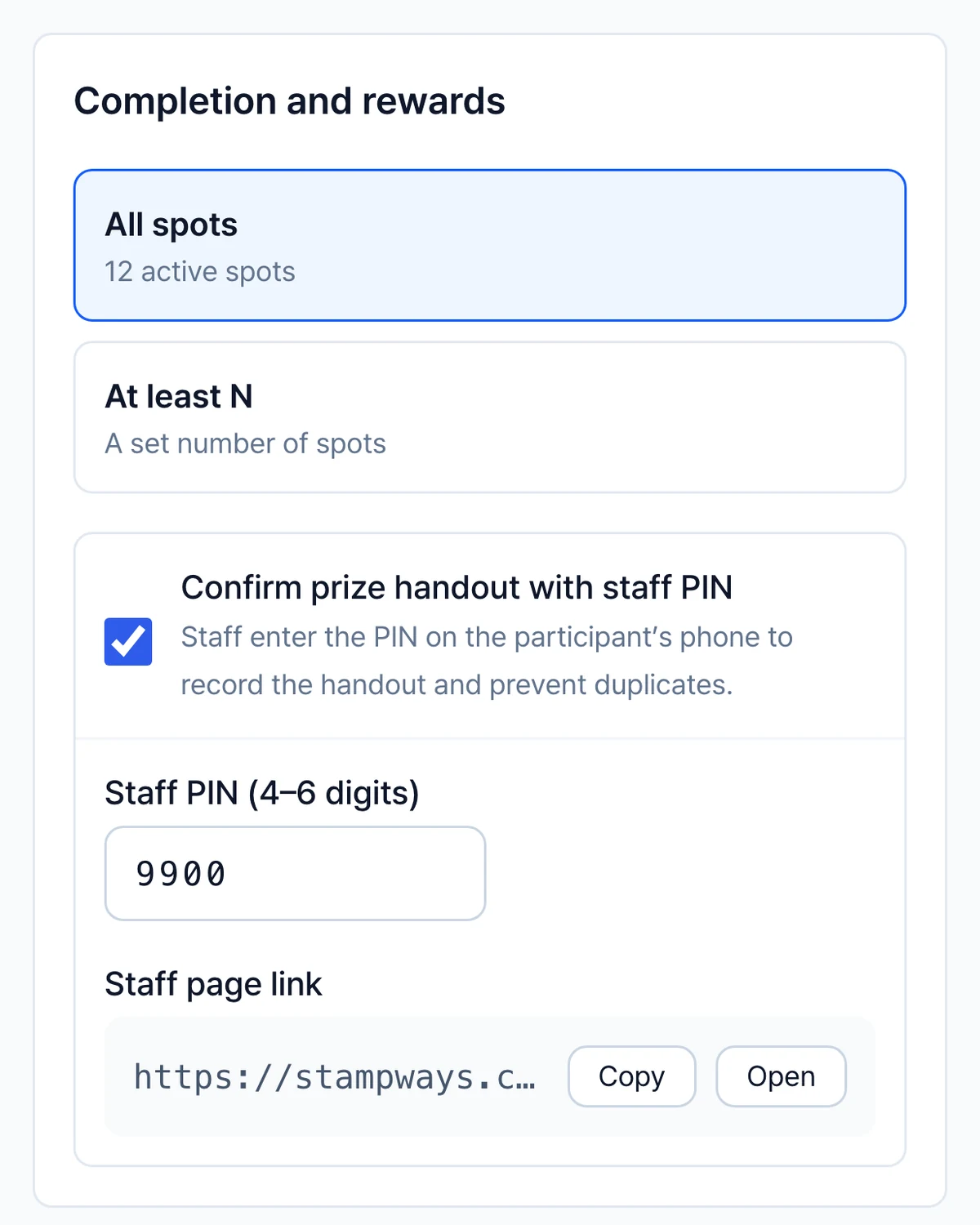
Finish at all stamps or a number you set, then a prize draw or roulette. Staff confirm each handout with a PIN.
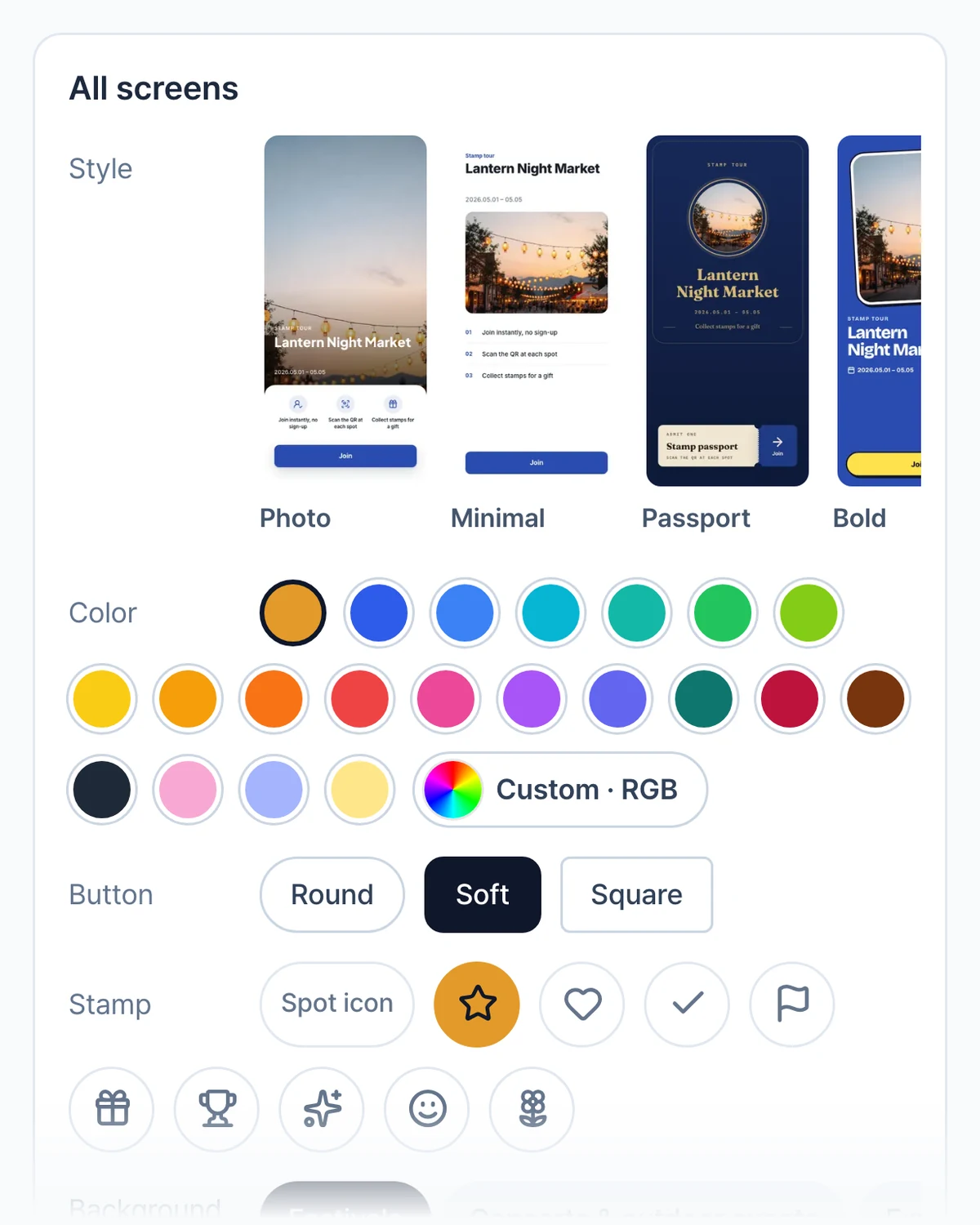
Pick a screen style, main color, background, button and stamp shape. The phone preview updates as you go, and version history keeps every change.
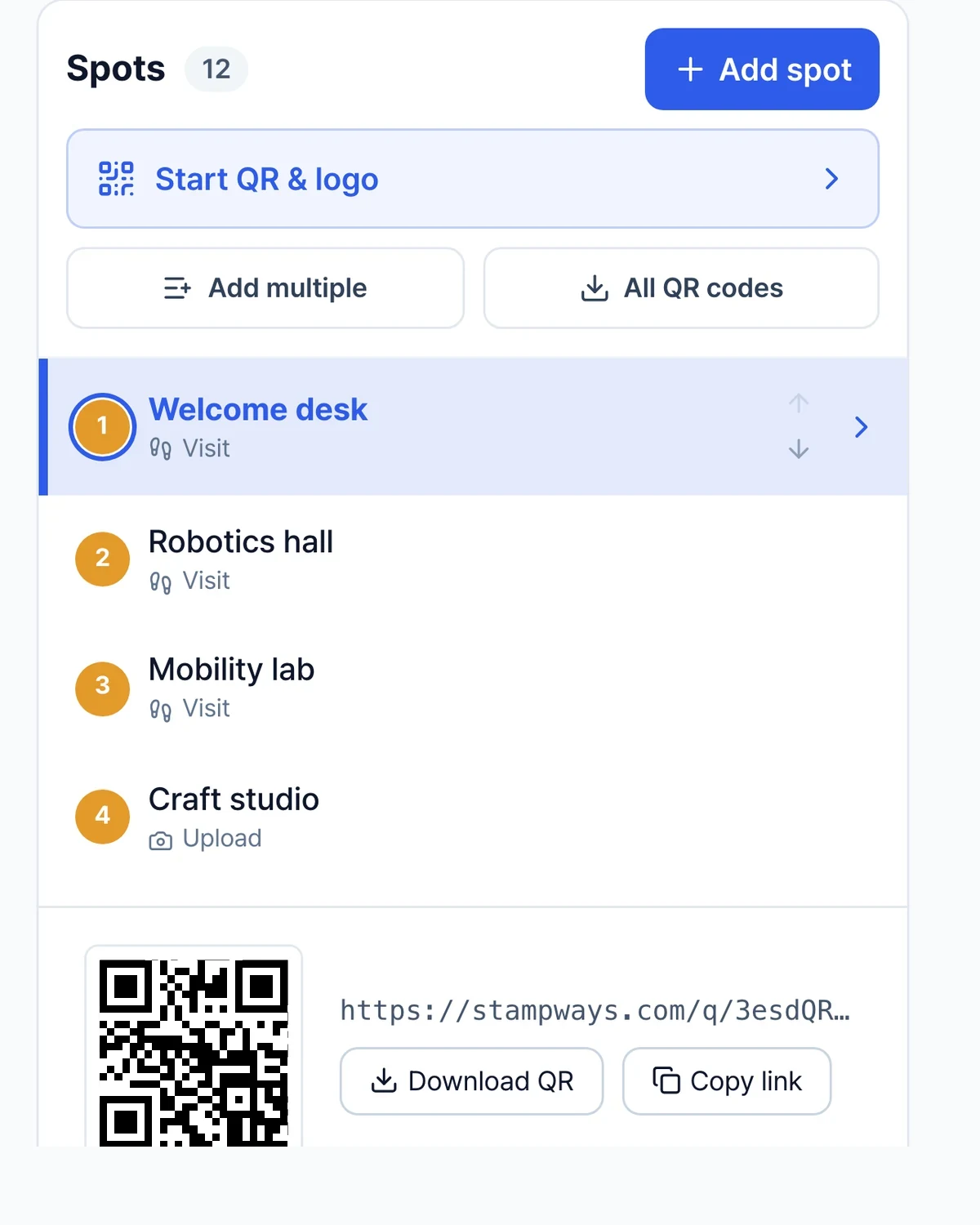
Add spots, choose QR visit, quiz or photo upload, add a GPS check if needed, and download every QR code.
For organizers
Run it from one dashboard.
Live overview
Participants, completions and stamps, live.
Every spot, every participant
Stamps by spot and every participant's progress.
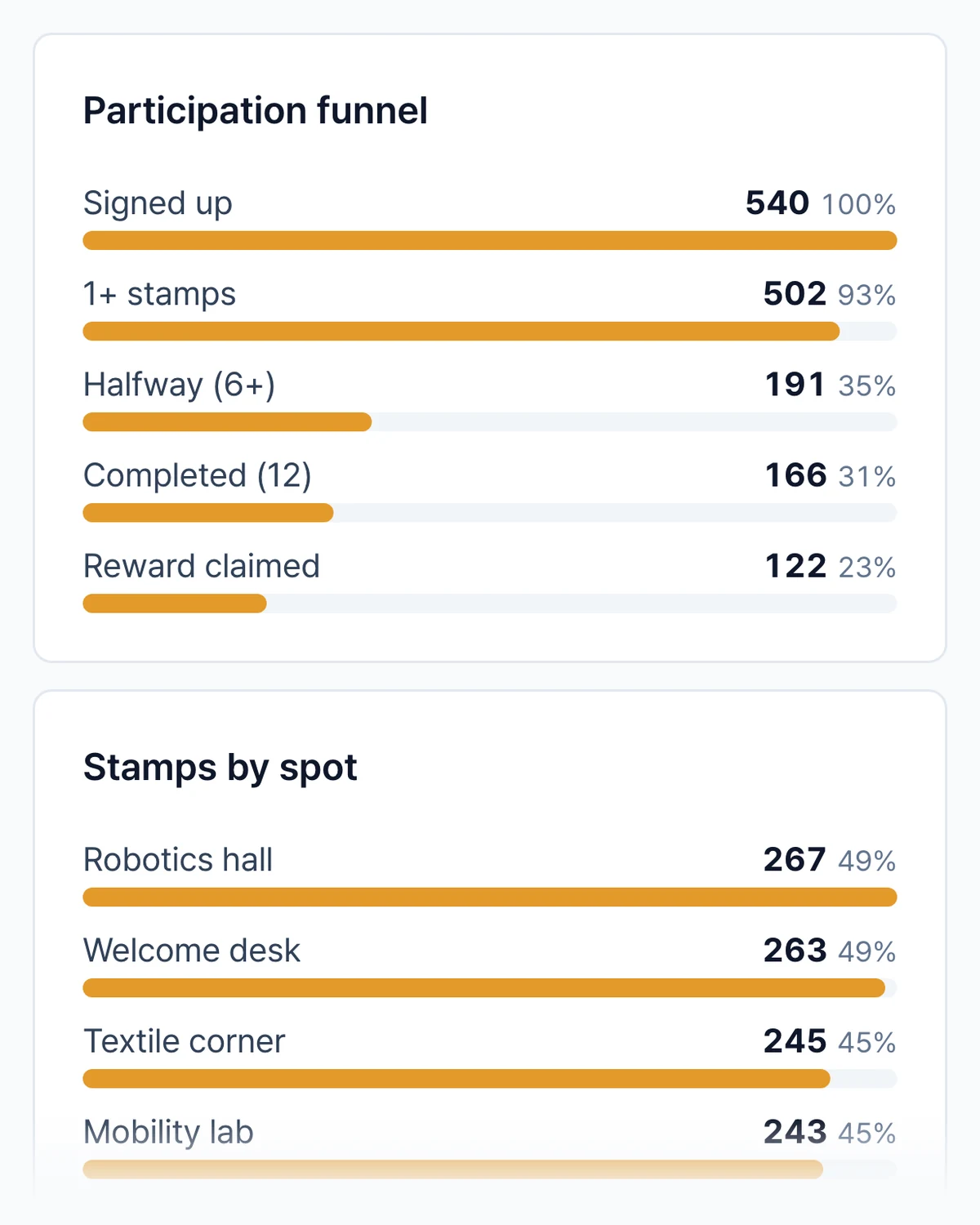
Photo review
Approve uploaded photos to give the stamp.
Prizes and staff check
Prize draw or roulette, checked by staff PIN.
Design with a live preview
Style, colors and background with a live preview.
Spots and QR codes
Add spots and download every QR code.
Set it up in one sitting.
- 01
One design, five spots
One design and five spots. Pick a screen style, a background from 100 photos, your own upload or an AI image, then a main color and the button and stamp shape. It applies to every screen.
- 02
Choose how people join and finish
Sign-up can be anonymous, a nickname, an email, or name and phone, with extra questions. Add an optional survey. Data is kept for 30 days after the run.
- tours run
- 120+
- participants
- 48,000+
- stamps collected
- 310,000+
Design
Pick a screen style.
Then a background, a main color and the button and stamp shape. Every screen follows along.
100 event photos, ready to go
Or upload your own, or generate one with AI.
One simple price.
Per project
$99/ month· excl. tax
- Free to build and preview
- Live stats, photo review and staff PIN check
- Data kept 30 days after the run
Year-end offer. Your first project is free until Dec 6, 2026 (KST).
Start freeSign up with email or Google.
Questions
Do visitors need to install an app?
No. They scan a QR code and the tour opens in their phone browser.
How do visitors get a stamp?
By scanning the spot's QR code, answering a quiz, or uploading a photo. You can add a GPS check as well.
What does it cost?
Building and previewing are free. Running a tour is $99 a month per project (excl. tax). Your first project is free until Dec 6, 2026 (KST).
How long is the data kept?
Data is kept for 30 days after the tour ends. You can follow live stats while it runs.
How do I sign up?
With your email or your Google account.